1. Views
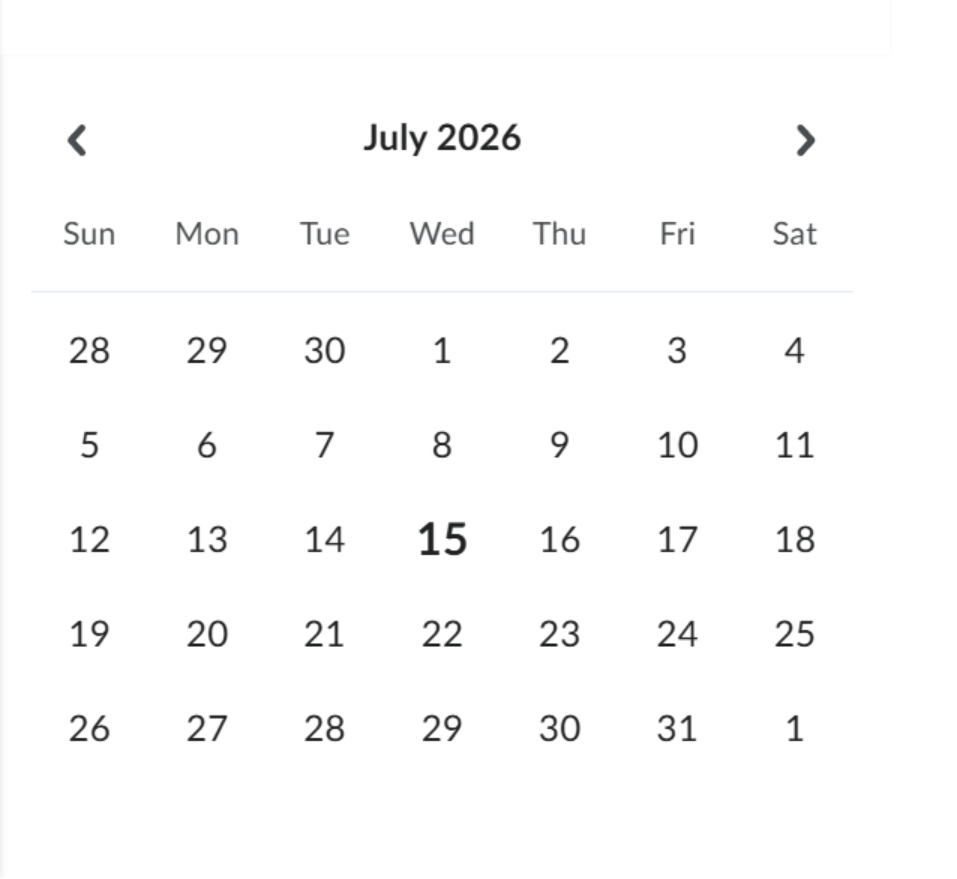
My Calendar offers five views: Agenda, Day, Week, Month, and List. A mini date-picker on the right lets you jump to a specific date quickly. 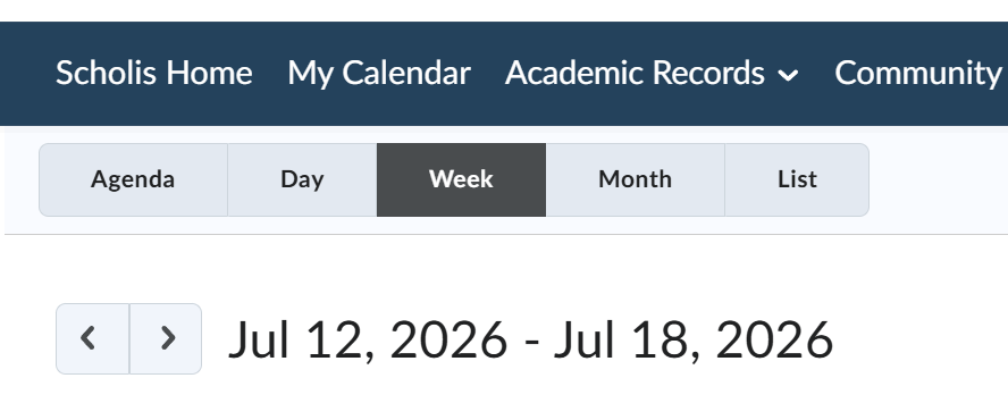
2. Search, Filter & Subscribe
- Search — narrow the calendar to a specific event or keyword.
- Filter by calendar — show or hide events from specific calendars (e.g., a particular course).

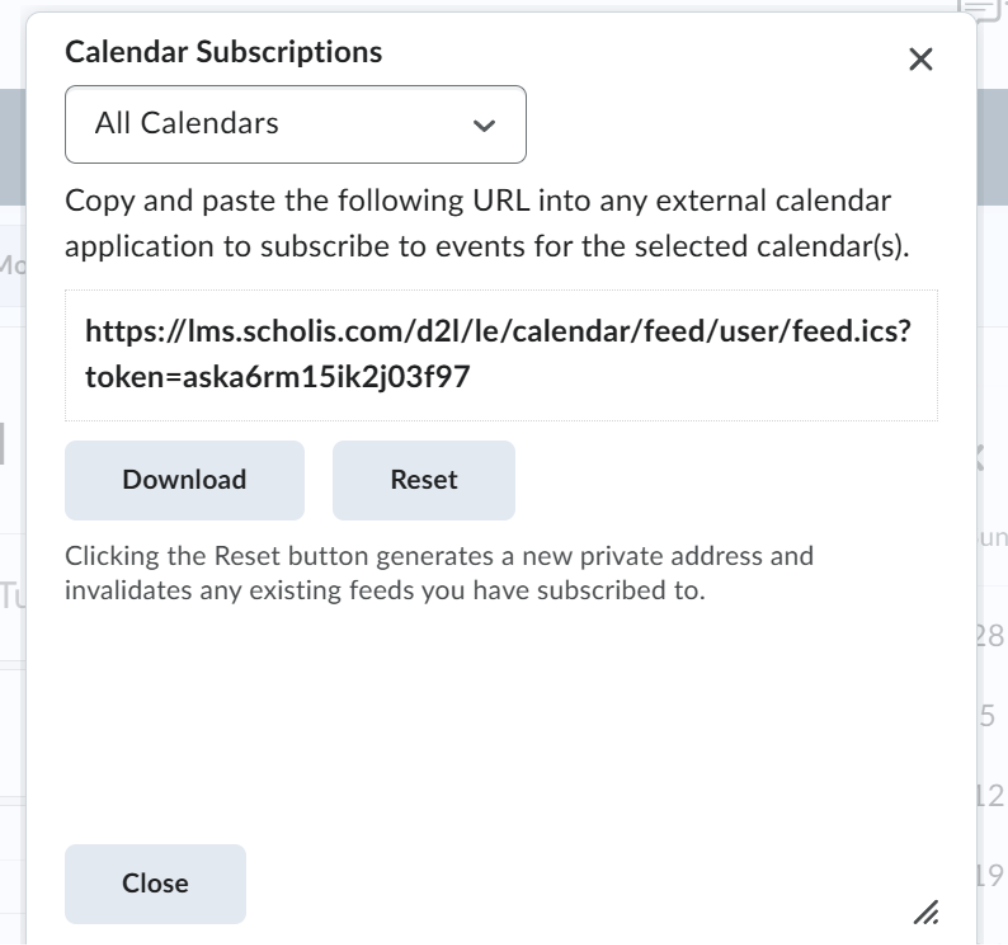
- Subscribe — sync your platform calendar to an external calendar app.
- Contact Customer Support with a description of the missing event or sync issue.
- Include the calendar view and date range affected where possible.
Troubleshooting
|
Issue |
What To Do |
|
An expected event doesn't appear on the calendar. |
Check your calendar filters — an event's source calendar may be toggled off. |
|
Subscribe/sync isn't updating in your external calendar app. |
External calendar apps typically refresh on a delay (often up to 24 hours); confirm the subscription link is still active. |
|
Calendar is slow to load. |
Try narrowing to a single view (e.g., Week instead of List) or refresh the page. |
Escalation Path
If an issue isn't resolved using the steps above:
- Contact Customer Support with a description of the missing event or sync issue.
- Include the calendar view and date range affected where possible.