1. Open the desired course from the "My Courses" widget. 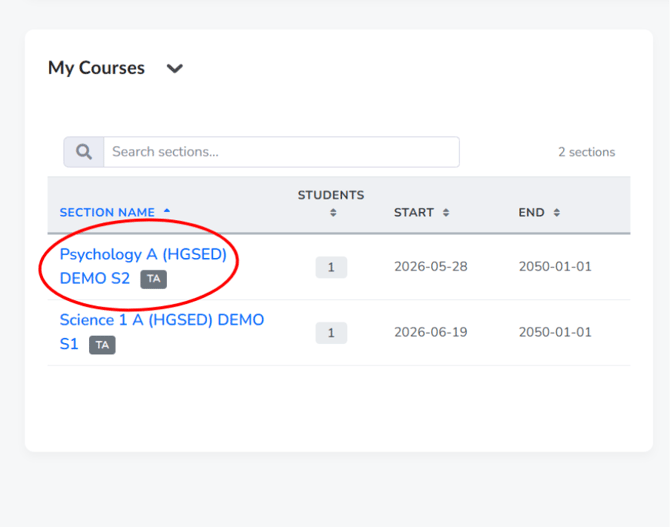
2. Click "Course Content" in the course navigation bar, then select "Content".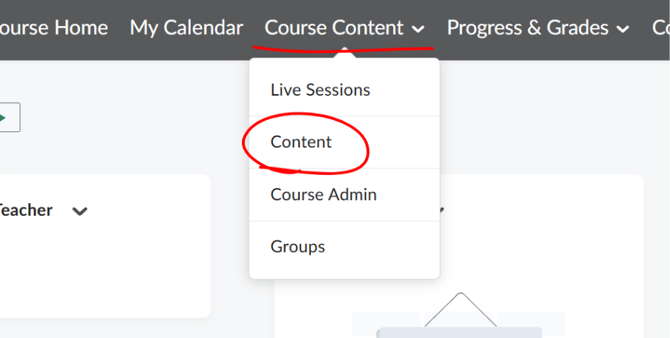
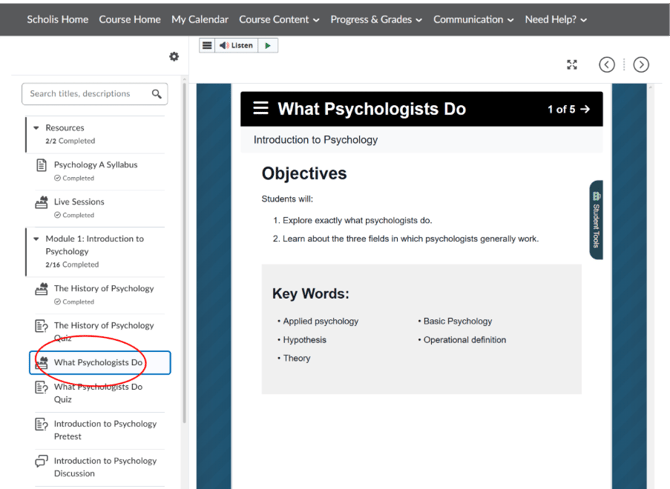
3. The left panel shows a Table of Contents organized into modules and units. 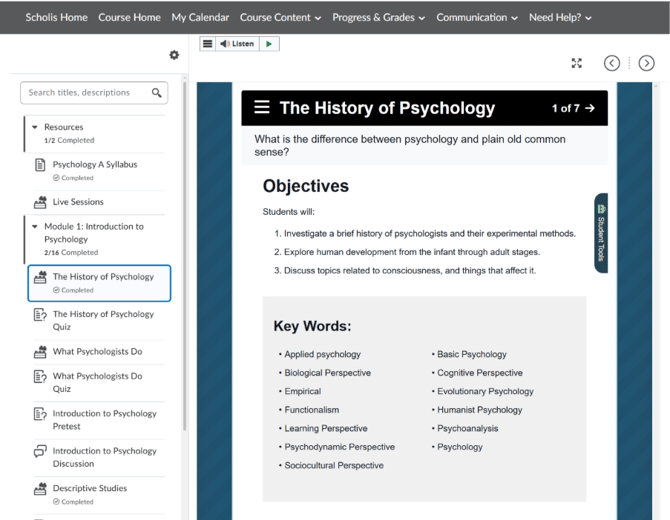
4. Click a module name to expand it and see its lessons, readings, quizzes, and discussions. 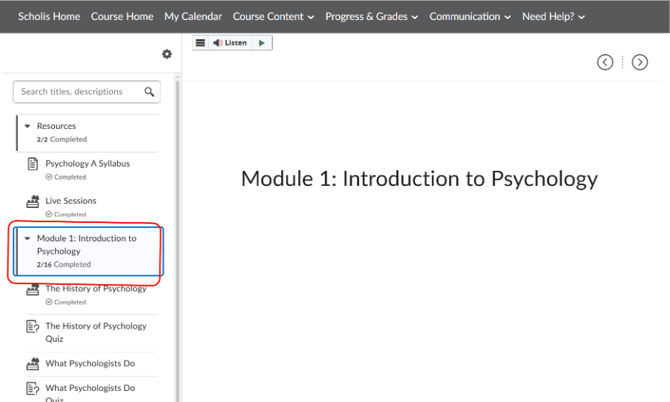
5. Click any topic title to view it in the main content panel; use the arrow buttons at the top right to move to the next or previous topic.