1. Log in to Scholis with your classroom monitor account. 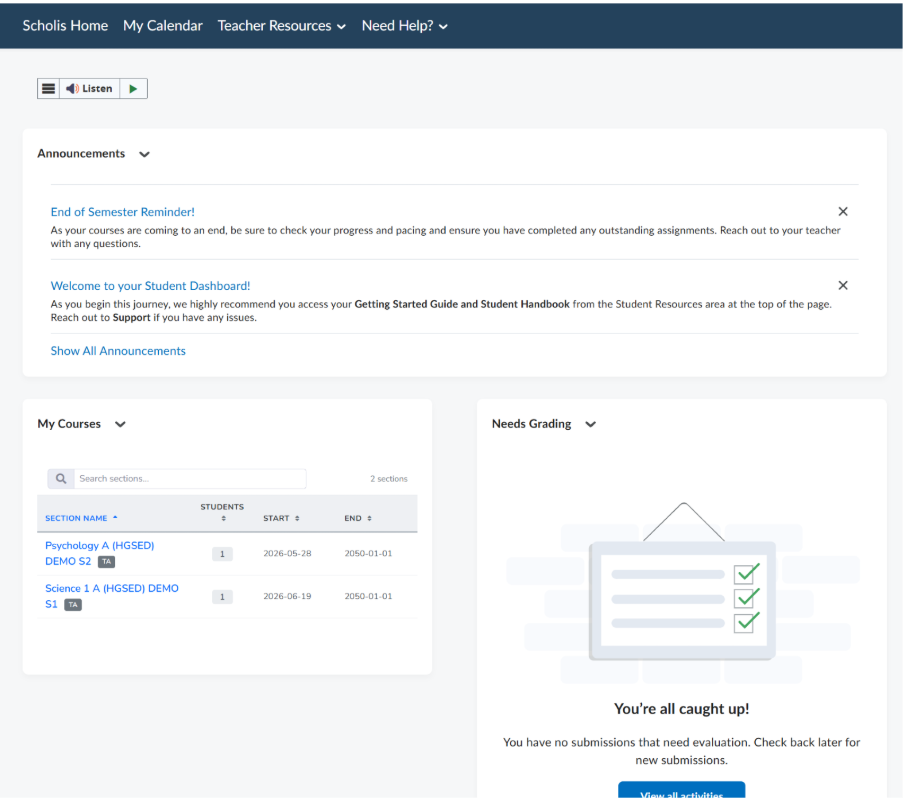
2. After logging in, you will land on the Scholis Home page, which serves as your dashboard.
3. To view announcements, look at the "Announcements" widget on the homepage. Recent announcements are listed with their titles and preview text. 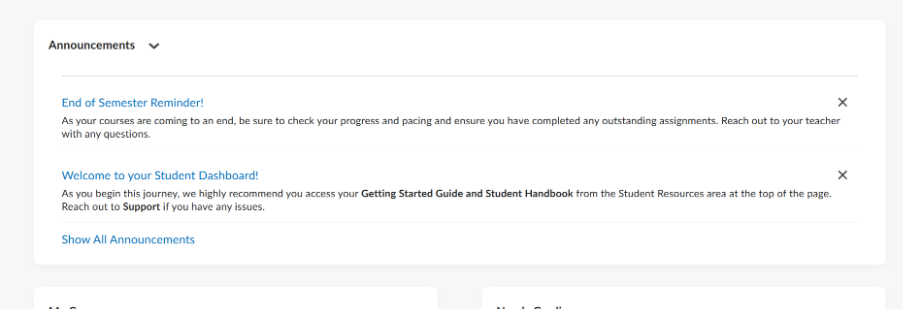
4. Click "Show All Announcements" to see the complete list of announcements. 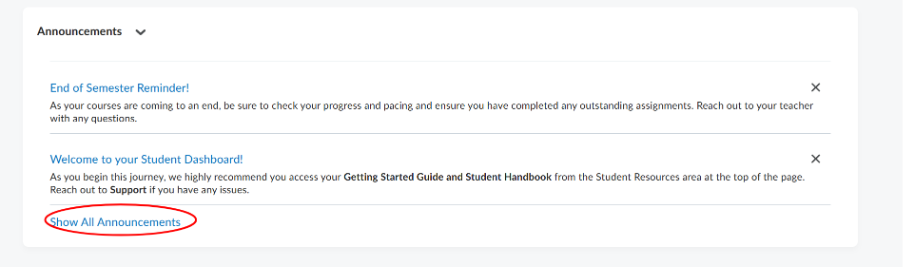
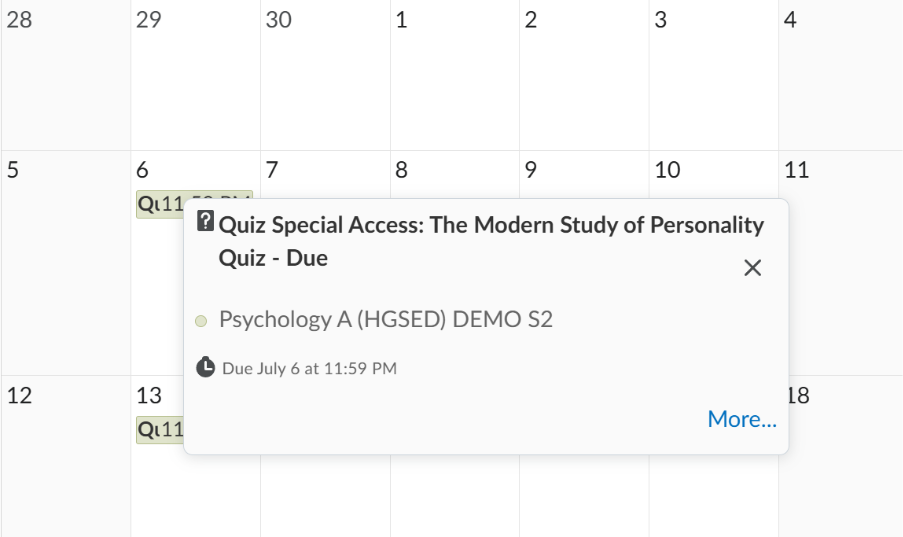
5. To view events, click "My Calendar" in the top navigation bar. 
6. The calendar page displays upcoming events and due dates. Use the Agenda, Day, Week, Month, or List buttons at the top to change the calendar view. 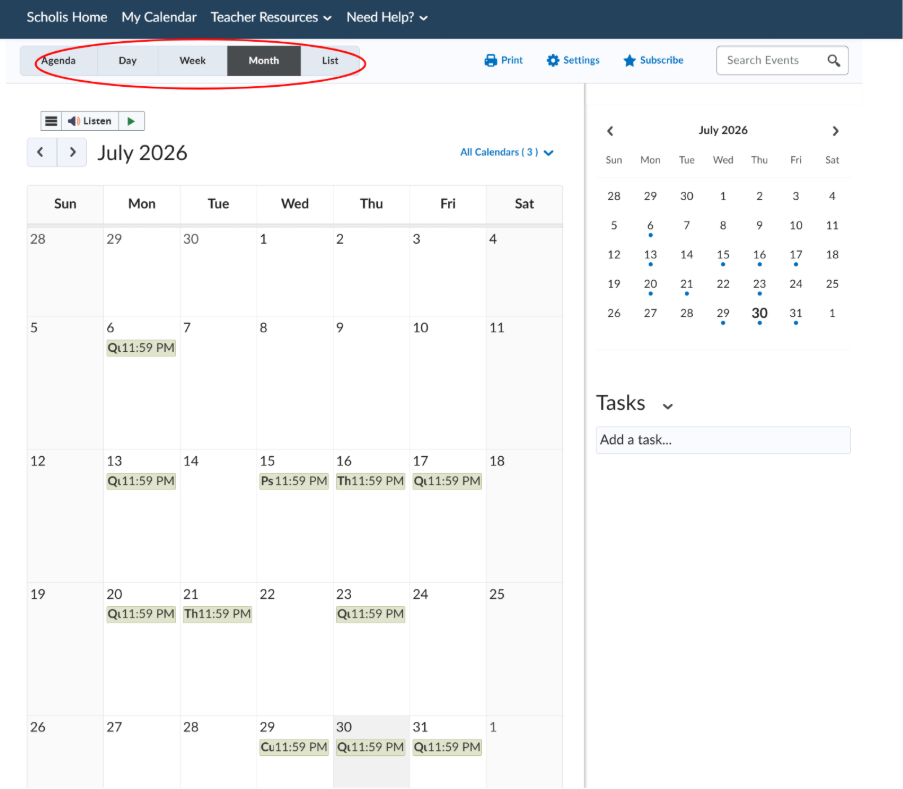
7. Click any date or event entry to see more details about it.