Site Coordinator Teachers Tab.mp4
The Teachers tab lists teaching staff with ID, first/last name, and a clickable email link (clicking it opens your default mail client).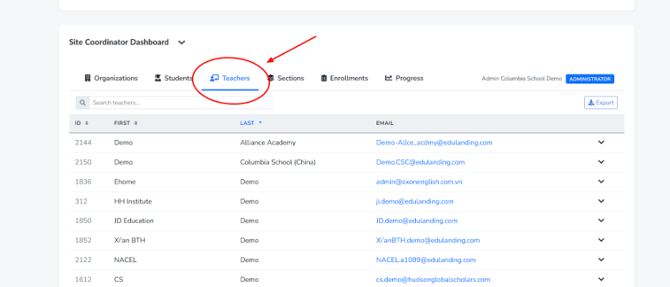
Searching and sorting work the same way as the Students tab: type in the search box to filter, and click column headers to re-sort.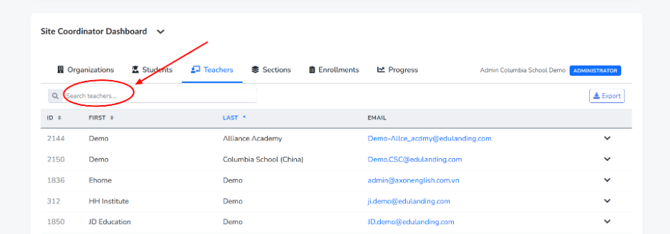
Expanding a teacher's row via the chevron reveals their full staff record: birth date, gender, status, employment type, whether they are flagged as a mentor or “qualified,” their maximum enrollment capacity, phone number, and email, along with internal audit fields like created/updated timestamps.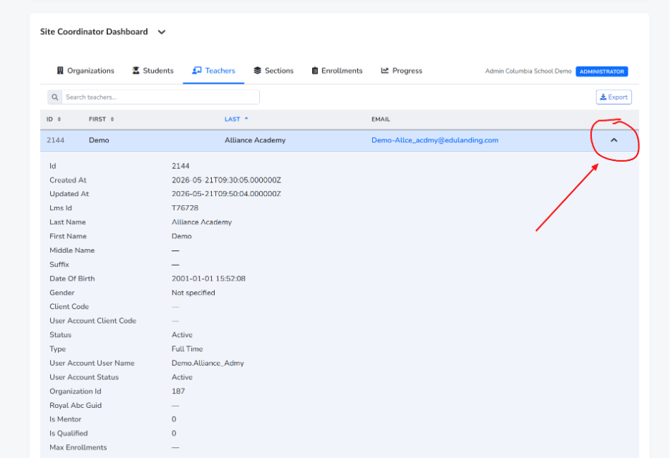
This tab is the quickest way to confirm a teacher's current status (Active vs. inactive) or to grab their contact email without leaving the dashboard.