How to View the Full Class Gradebook.mp4
1. Open the desired course and click "Progress & Grades" in the course navigation bar. 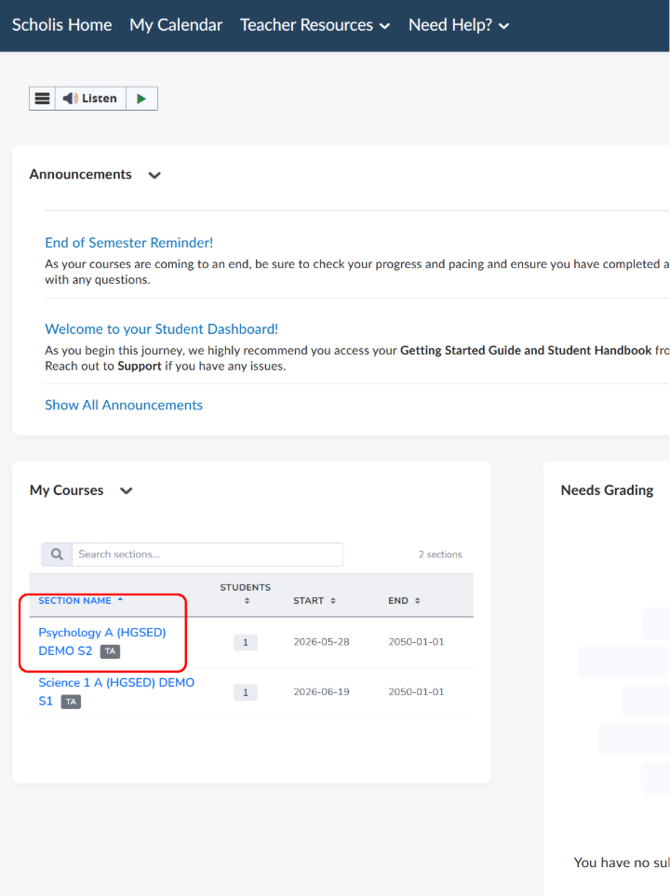
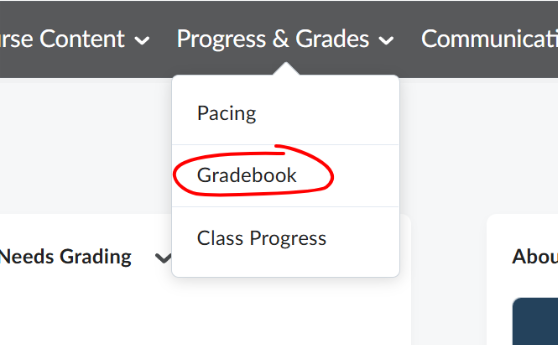
2. Select "Gradebook"
3. The "Enter Grades" tab displays a spreadsheet-style view with every enrolled student as a row and every grade item (journals, quizzes, final grade, etc.) as a column. 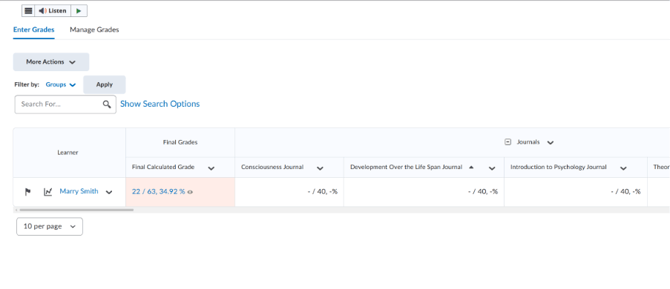
4. Scroll right using the arrow at the top of the table, or use "Show Search Options" to filter by student or group. 
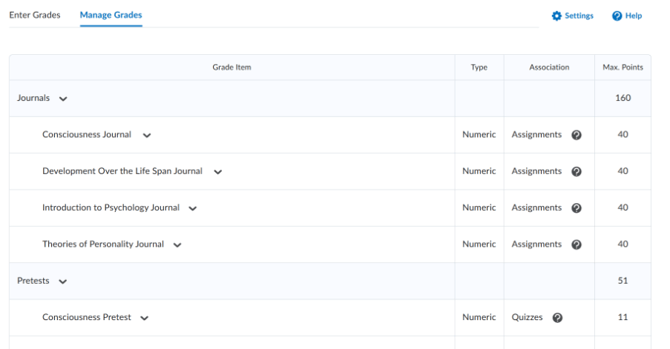
5. Click "Manage Grades" to view the structure of grade items and categories.