1. Open the desired course and click "Progress & Grades" in the course navigation bar. 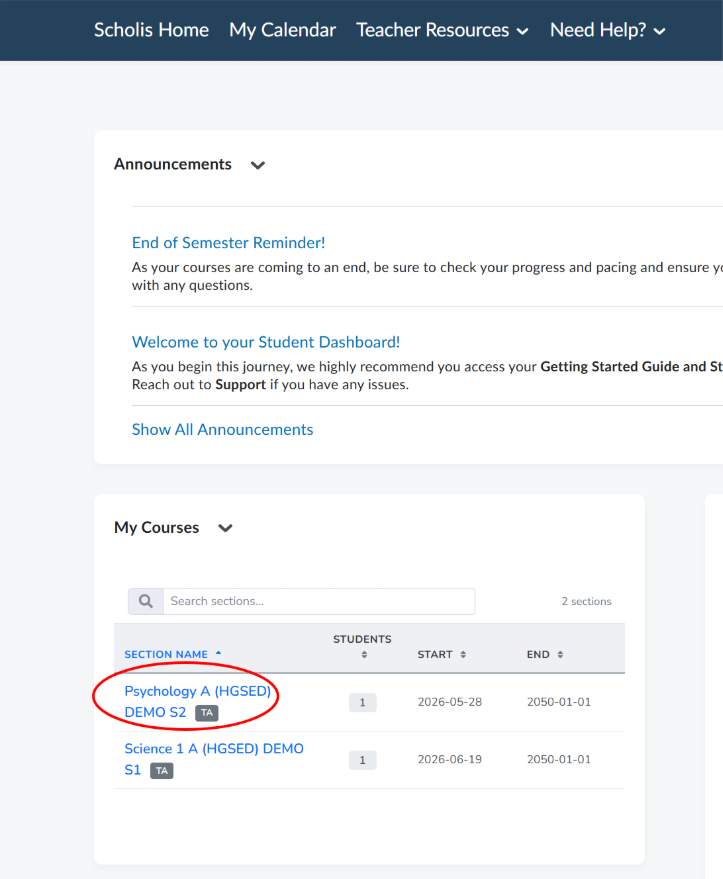
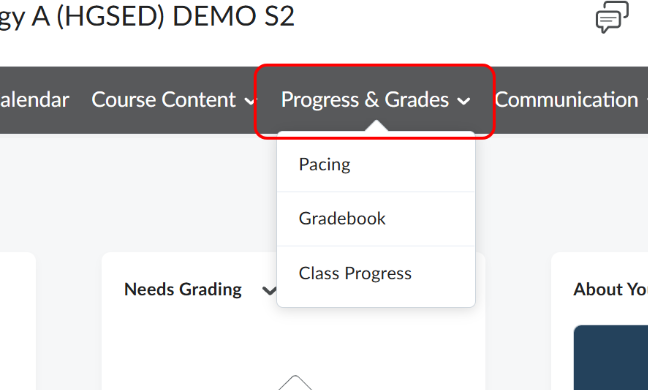
2. Select "Gradebook" to open the "Enter Grades" tab, which lists every student and their Final Calculated Grade. 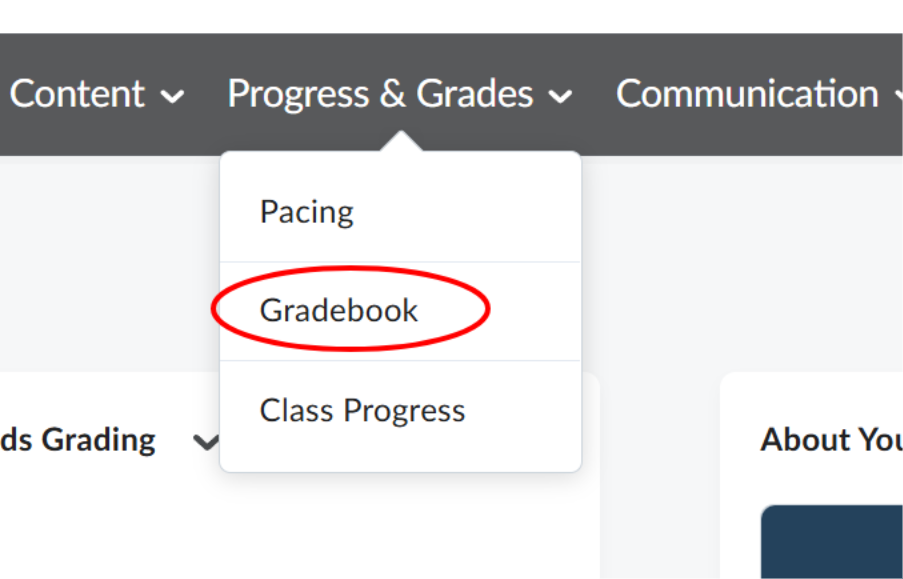
3. To see one student's detailed grades, click their name to view their user grade page. 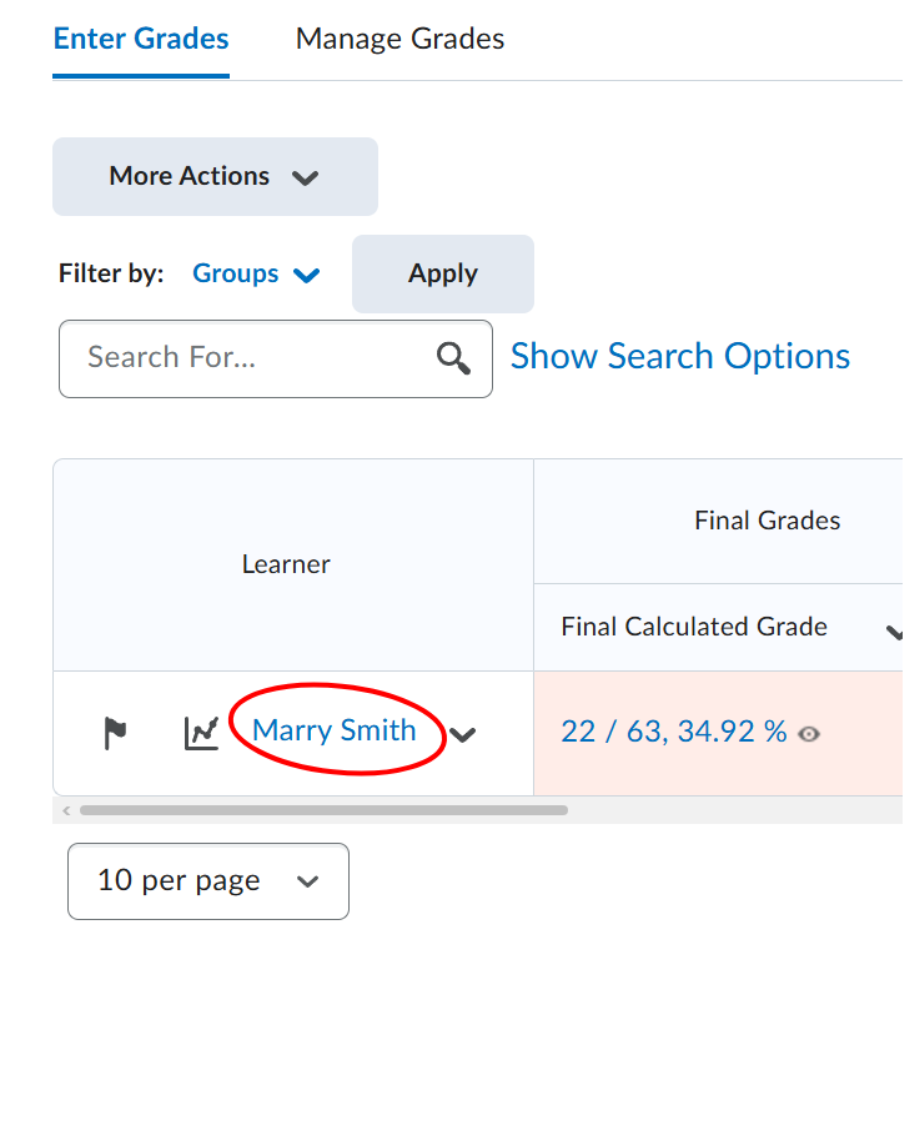
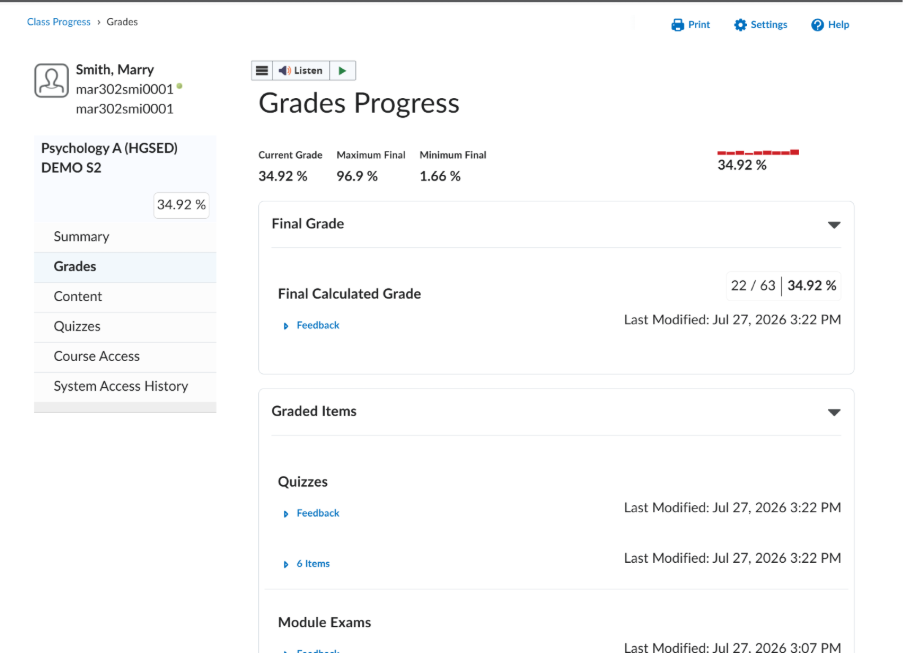
4. This page shows the student's Final Grade, Final Calculated Grade, and a full breakdown of Grade Items with individual scores. 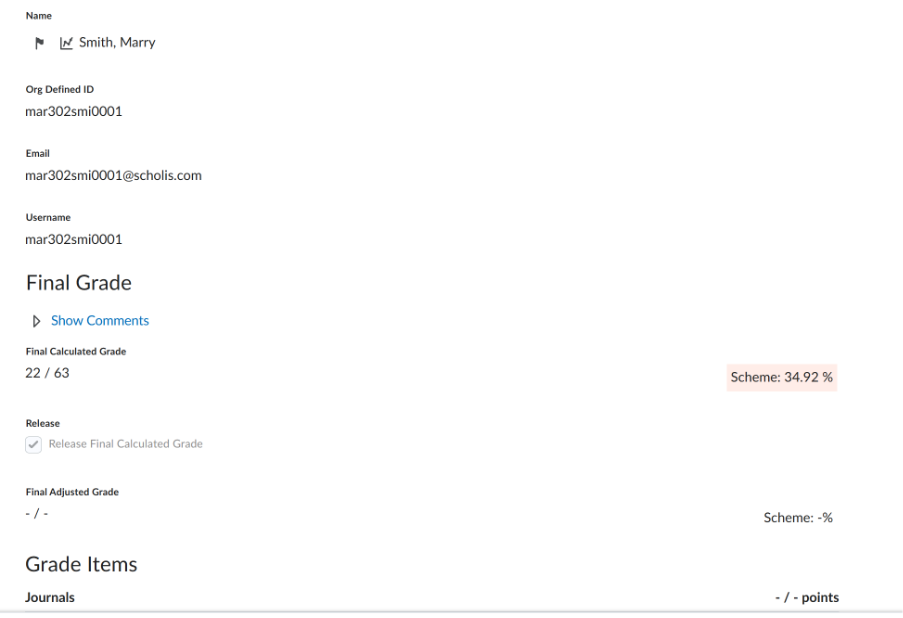
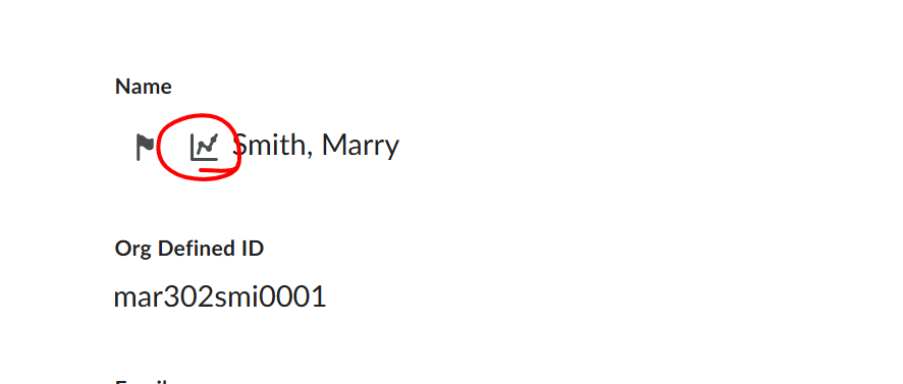
5. You can also click on the graph icon next to the student name to view more student progress as well.