How to See Your Student's Course Content.mp4
1. Log in to the Scholis Parent Dashboard at lms.scholis.com.
2. Click "Student Dashboard" in the top navigation. 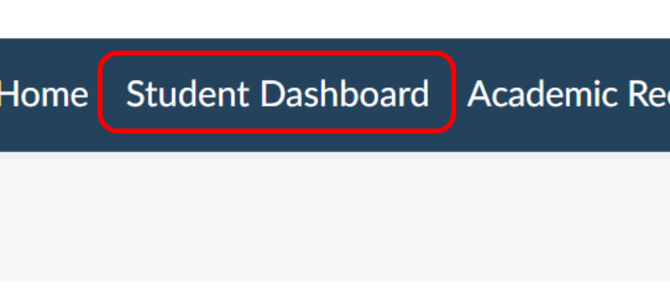
3. Select your child's card to open their dashboard. 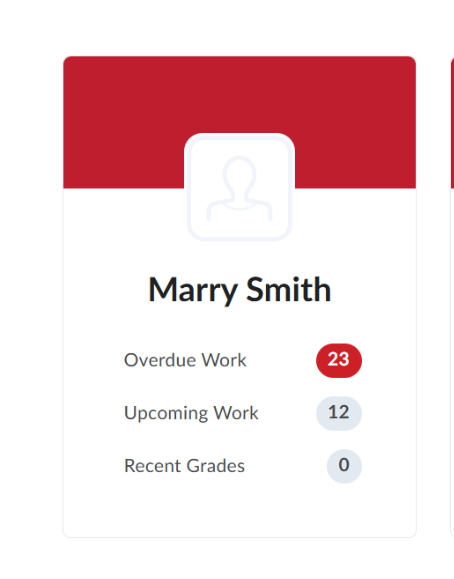
4. In the "Work To Do" or "Recent Grades" panel, click the title of any assignment, quiz, or lesson. 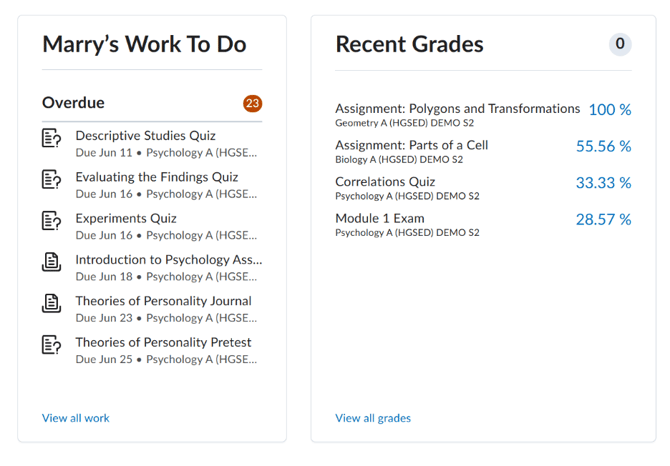
5. On the detail page, review the Instructions, Rubrics, Feedback, Due Date, Weight, and Score tabs for that item. 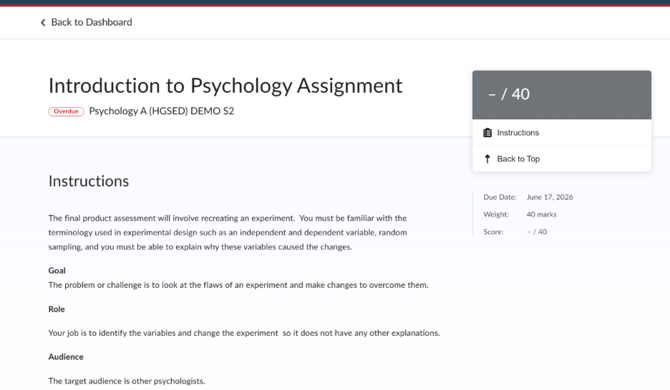
6. Use the back button or navigation menu to return to the dashboard and repeat for other course items.