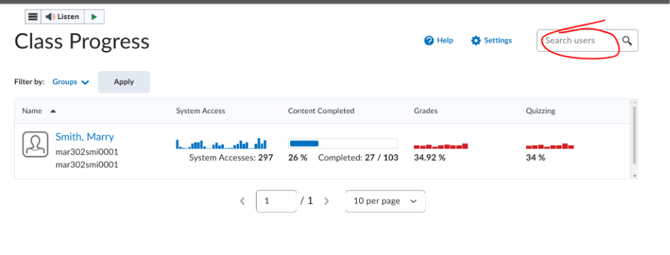
How to View Class Progress.mp4
1. Open the desired course and click "Progress & Grades" in the course navigation bar. 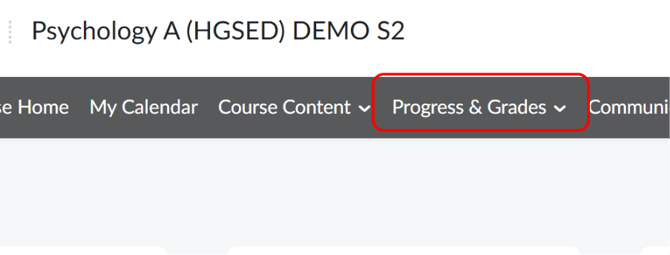
2. Select "Class Progress".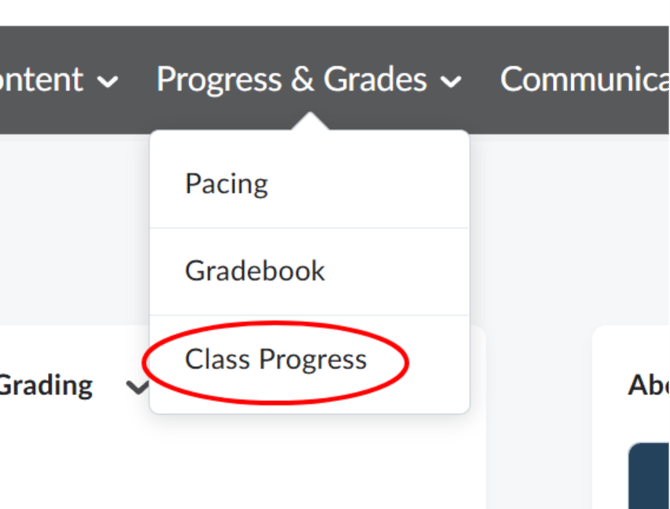
3. The Class Progress page lists every student with columns for System Access, Content Completed, Grades, and Quizzing, each shown as a chart or percentage. 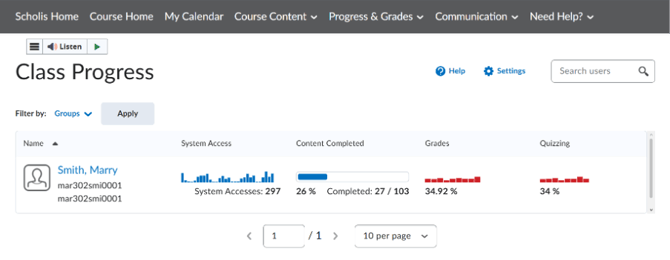
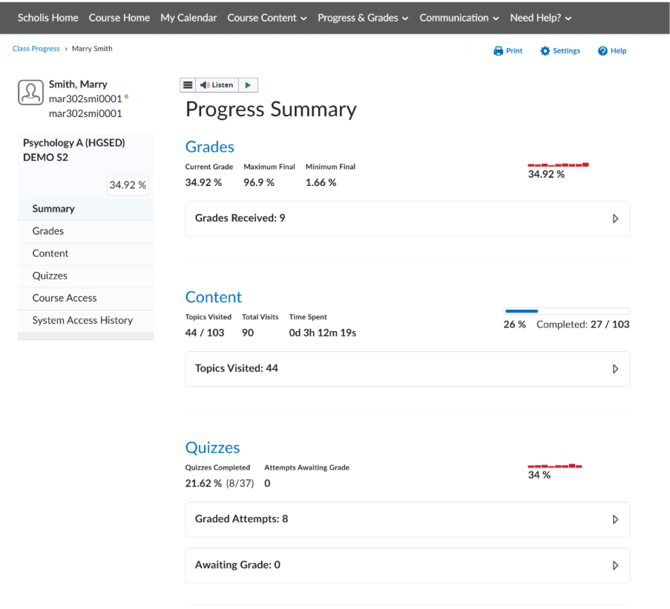
4. Click a student's name for a more detailed, individual progress breakdown. 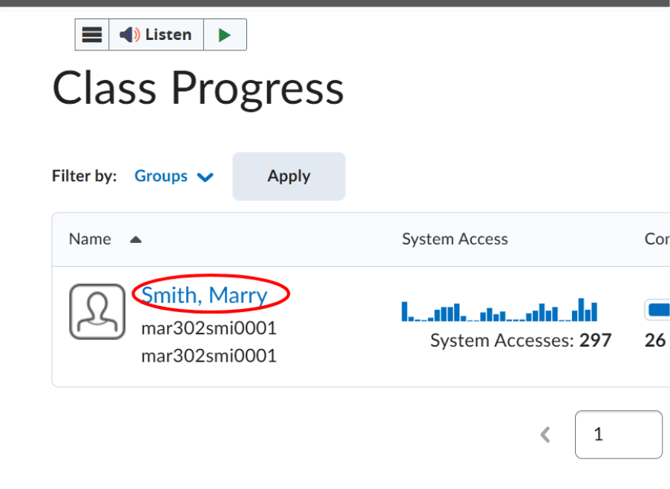
5. Use "Filter by: Groups" and "Apply" to narrow the list, or the "Search users" box to find a specific student.