1. Open the desired course from the "My Courses" widget. 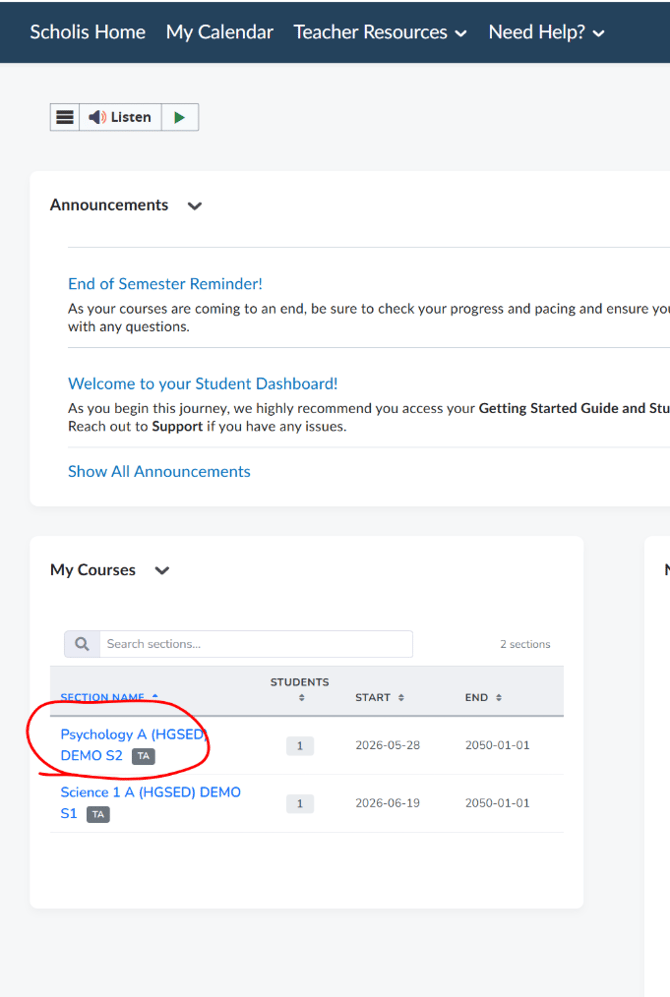
2. In the course navigation bar, click "Course Content", then select "Content".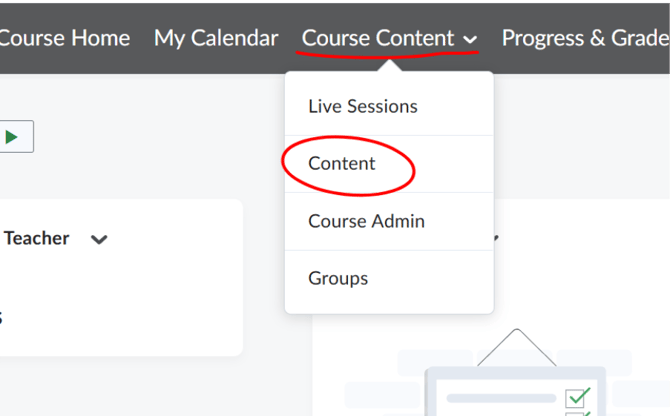
3. The Content page opens with a Table of Contents on the left, organized into modules (for example, "Module 1: Introduction to Psychology").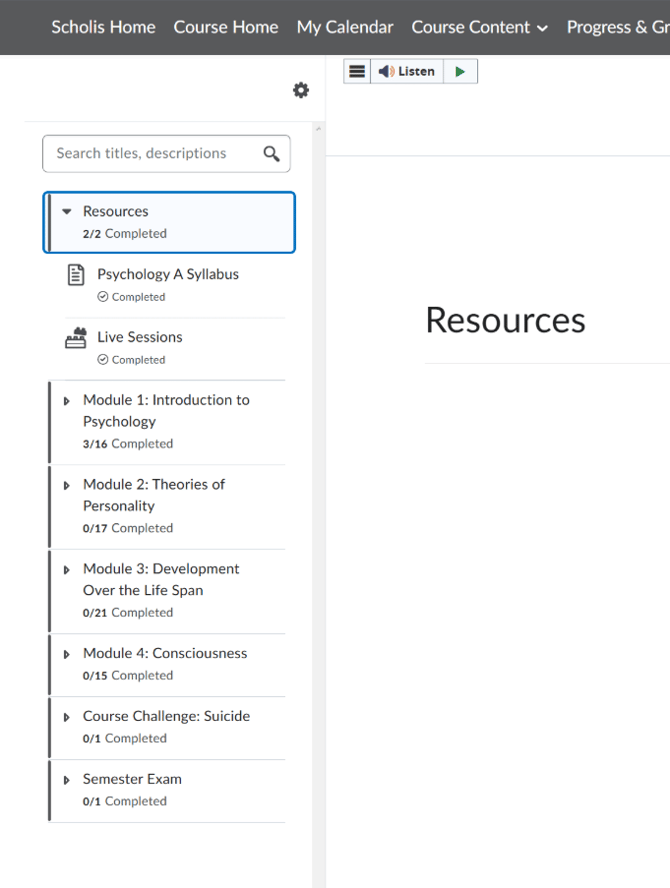
4. Click a module to expand it and reveal the assignments, journals, discussions, and quizzes it contains. 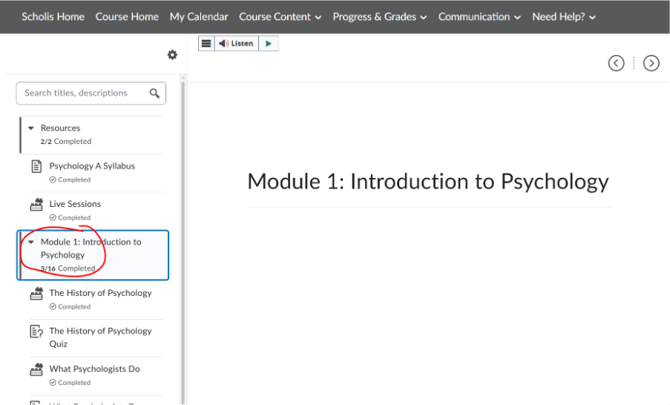
5. Click any assignment item's title to view its instructions and details in the main panel. 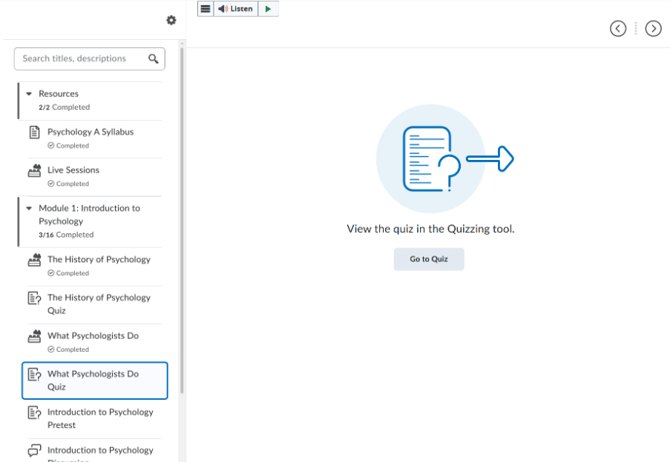
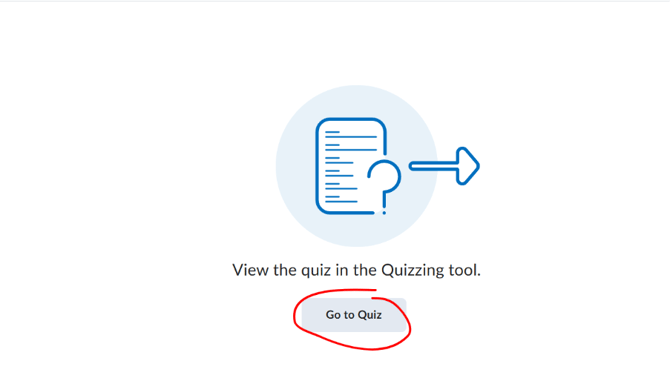
6. If the item is a quiz, click "Go to Quiz" to open it in the Quizzing tool.