How to view announcements in scholis
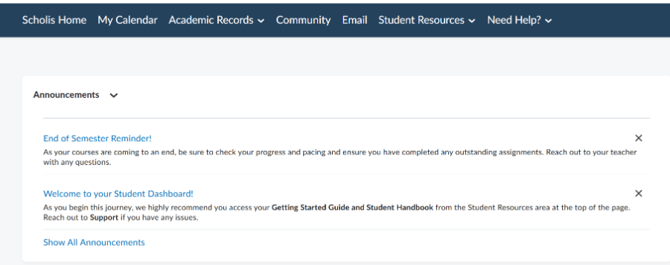
- School-wide announcements appear on the main Student Dashboard (the first page you see after logging in).
- Look for the "Announcements" section near the top of the dashboard. It will display the most recent announcements with their title, date posted, and a brief preview of the message.
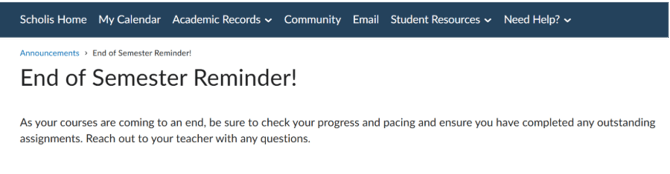
- Click on any announcement title to read the full message.
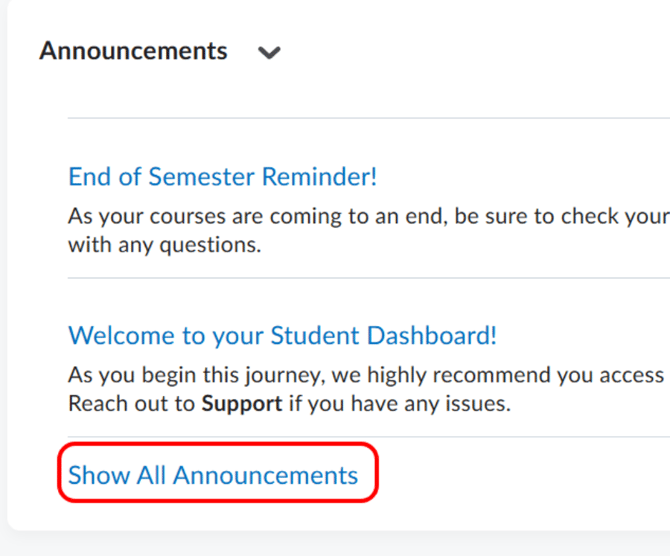
- If there are more announcements than are displayed, click the "Show All Announcements" link at the bottom of the Announcements section to see a complete list.
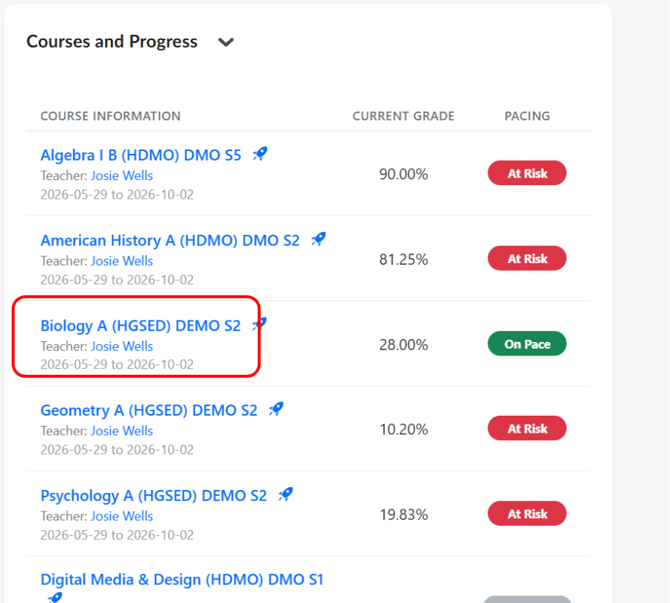
- To view course-specific announcements from your teacher, first navigate to your course by clicking on it in the "Courses and Progress" section.
- On the Course Home page, look for the "News From Your Teacher" section on the left side of the page. This is where your teacher posts course-specific updates, reminders, and news.
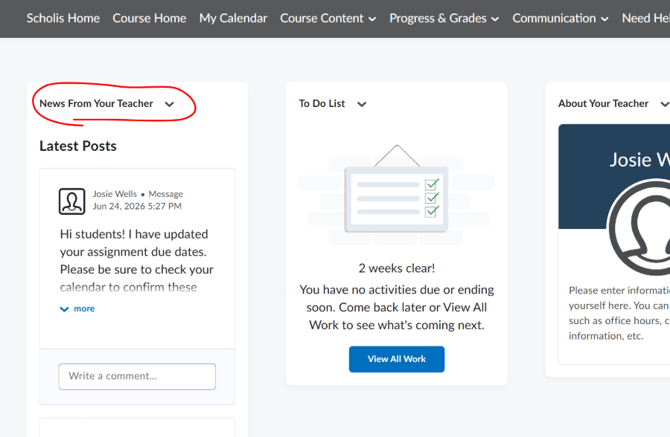
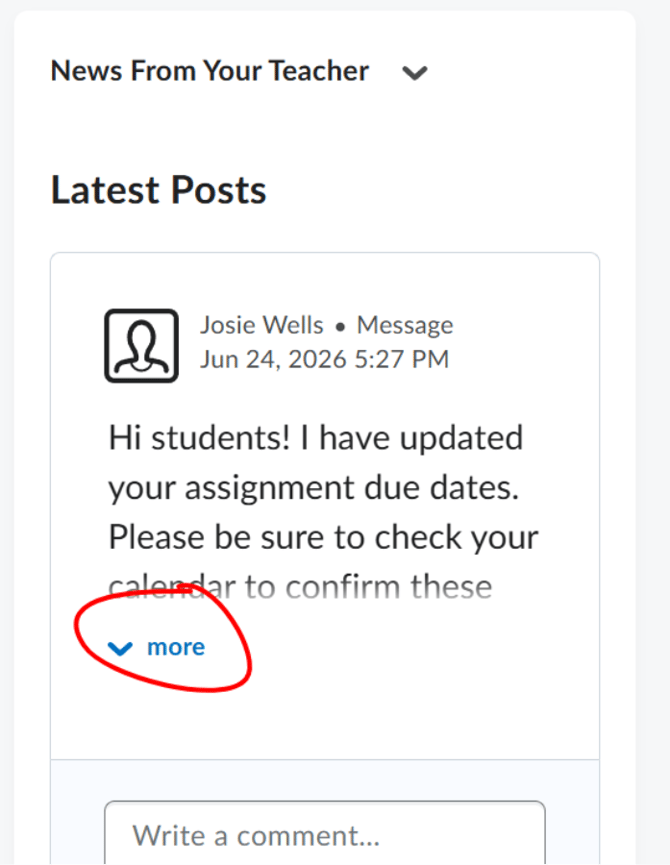
- Click on any post title in the "News From Your Teacher" section to read the full announcement.
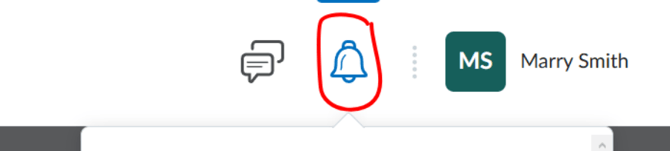
- You can also stay notified of new announcements through the Notifications system. Click the bell icon (notification bell) in the top-right corner of any page to see recent notifications, which may include new announcements.
- To dismiss (close) an announcement from the dashboard, click the X button on the top-right corner of that announcement card. This removes it from your view but does not delete it permanently.

NOTE: Announcements contain important information such as schedule changes, holiday closures, exam reminders, and policy updates — read them promptly.
NOTE: Closing (dismissing) an announcement from your dashboard does not mean you have responded to it. Make note of any required actions.
NOTE: Teacher announcements are course-specific — an announcement in Biology A will not appear in your Geometry course.
NOTE: If you missed an announcement, you can always find old ones by clicking "Show All Announcements" on the dashboard or by going to Communication > Announcements within your course.