How to Obtain Your Student's Academic Record.mp4
1. Log in to the Scholis Parent Dashboard at lms.scholis.com.
2. Click the "Academic Records" dropdown in the top navigation. 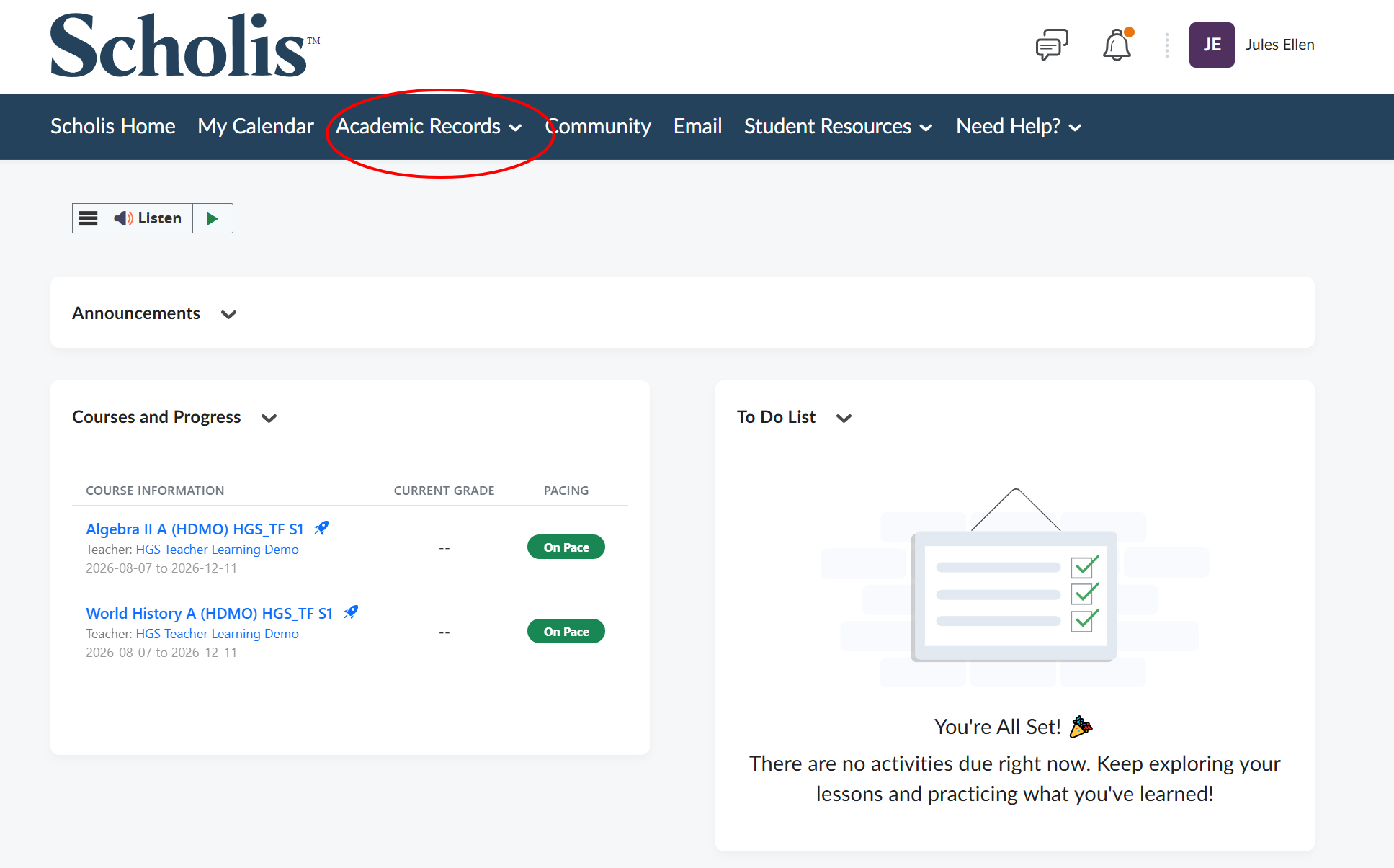
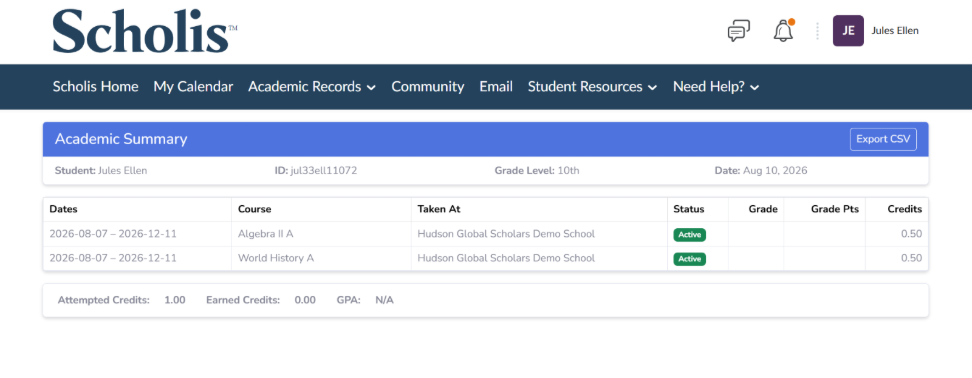
3. Select "Academic Summary" to see a table of your child's courses, dates, status, grades, grade points, credits, and overall GPA. 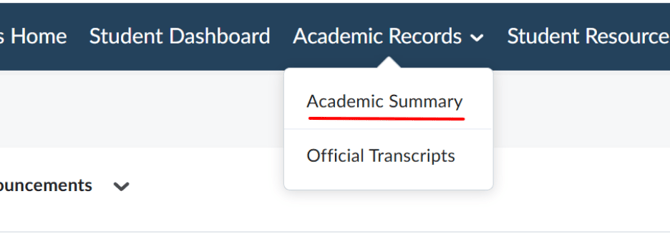
4. Use the child dropdown selector (top right of the page) to switch between children if you have more than one. 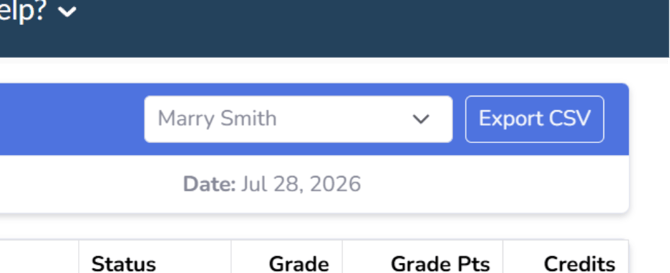
5. Click "Export CSV" to download a spreadsheet copy of the academic summary. 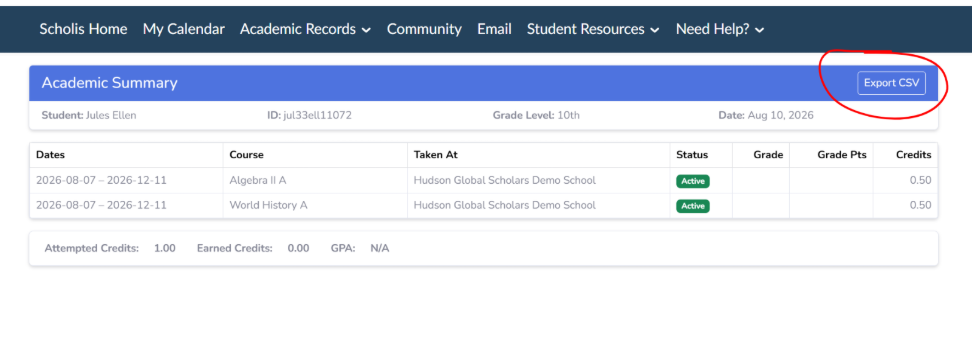
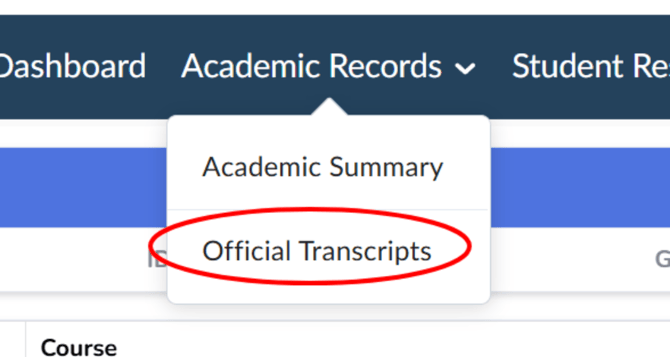
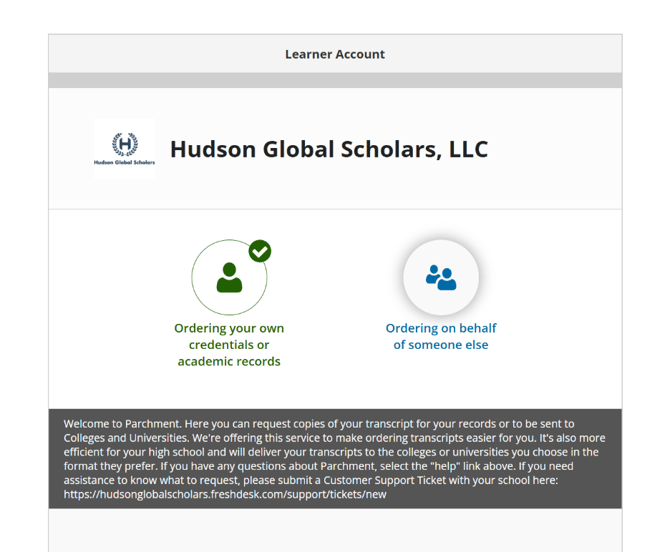
6. For an official transcript, click "Academic Records" > "Official Transcripts," which opens Parchment, a third-party transcript ordering service, in a new tab.