1. Log in to the Scholis Parent Dashboard and open the Student Dashboard. 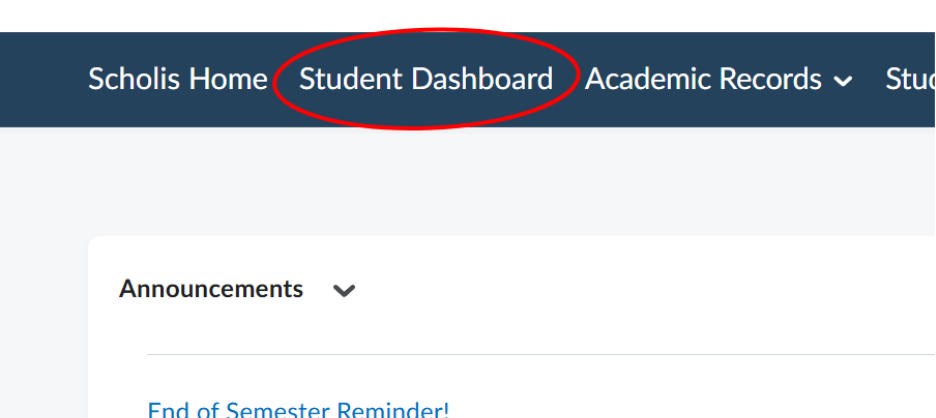
2. Select your child's card to see the "Work To Do" panel, which lists Overdue items and Upcoming items grouped by date. 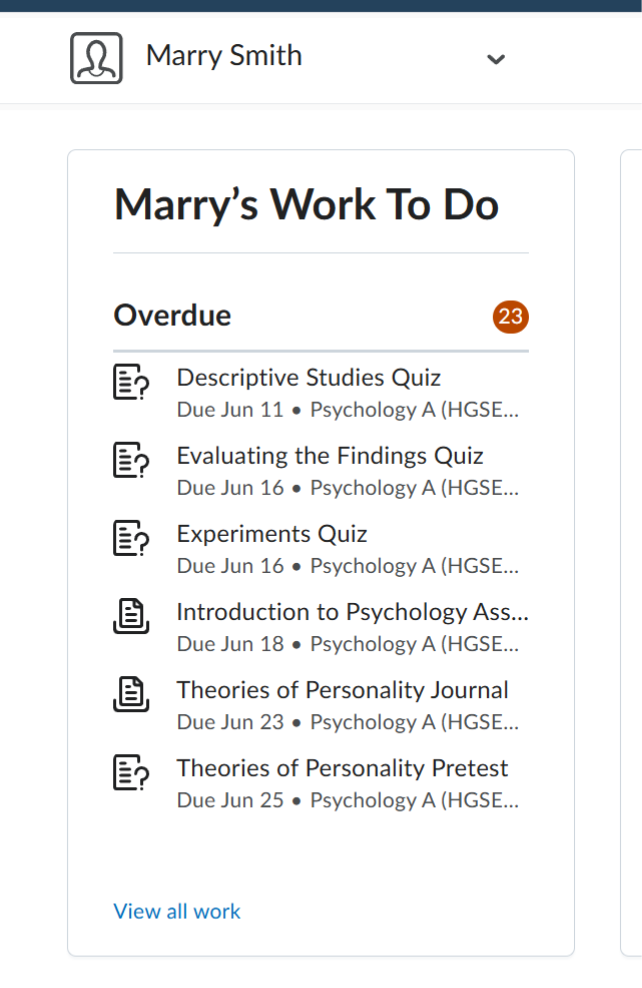
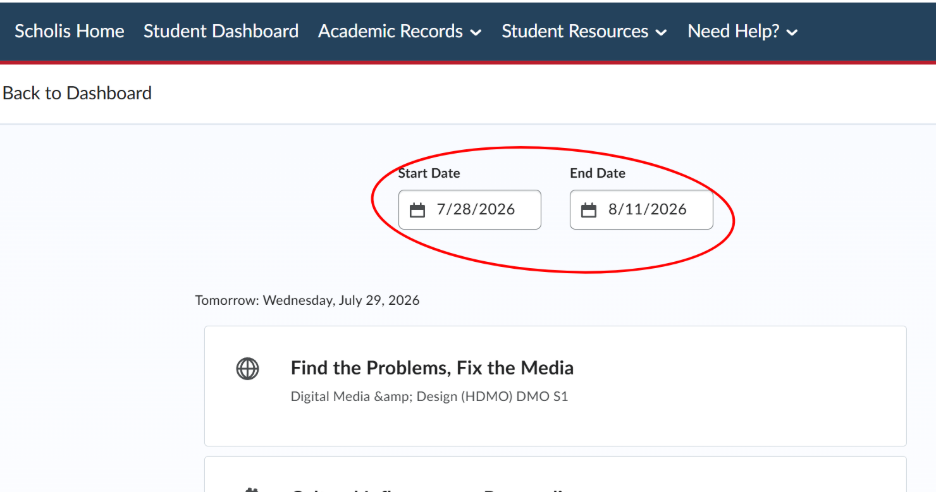
3. Click "View all work" and use the Start Date/End Date filters to see due dates over a specific range. 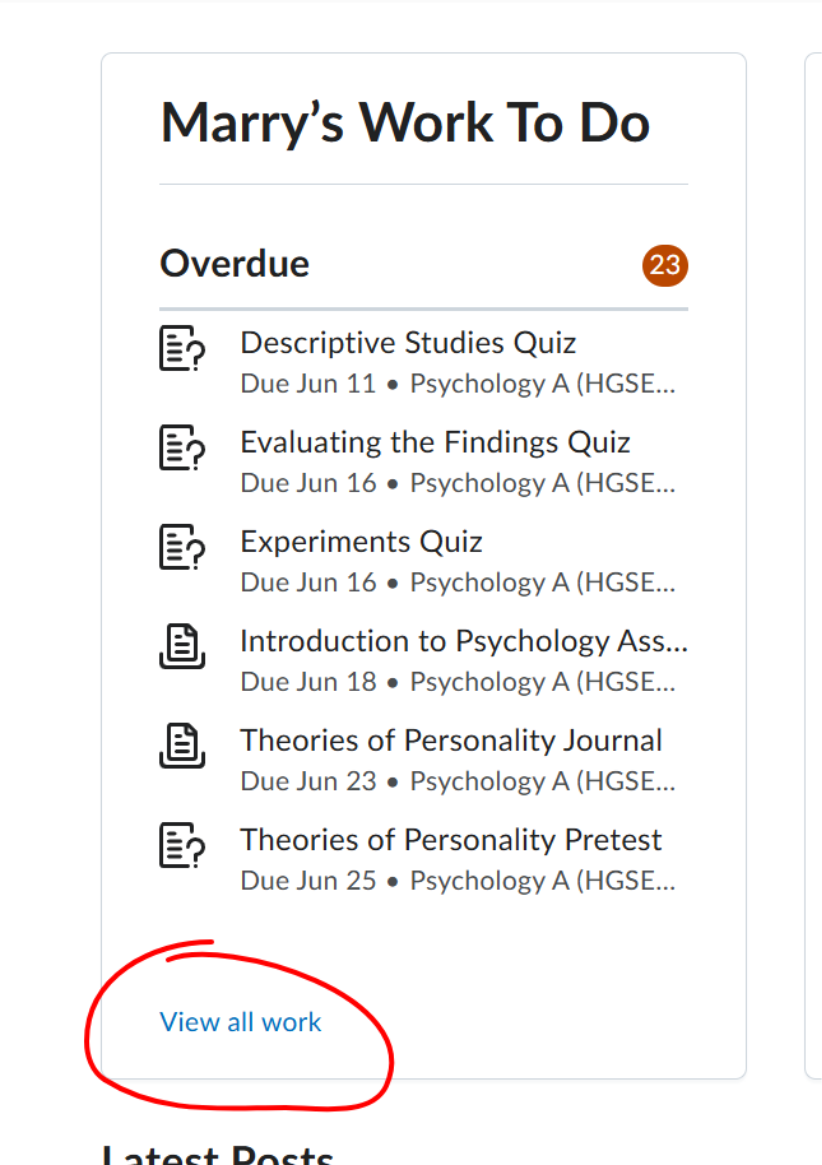
4. Look for the status tags (Overdue, Due Today, Complete) next to each item to quickly identify what needs attention. 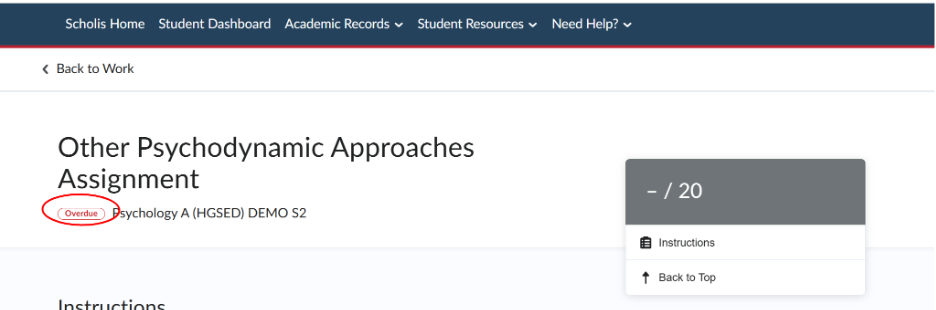
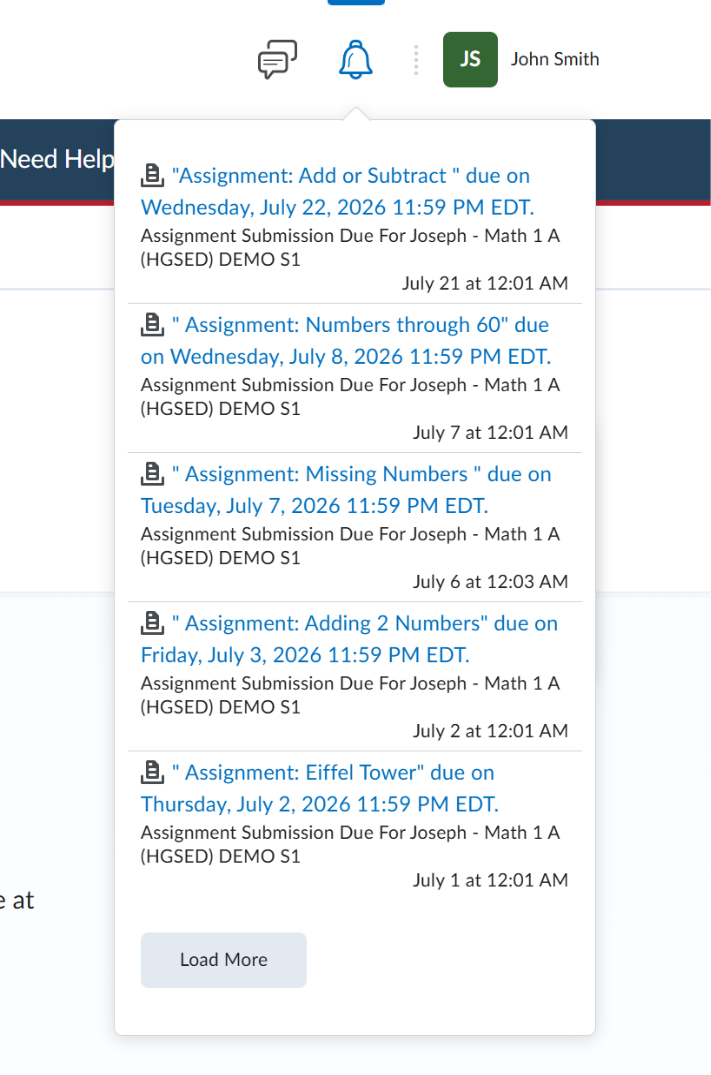
5. Click the bell/notifications icon in the top navigation to see a running list of upcoming and overdue due-date reminders.