How to Send Teacher an Email.mp4
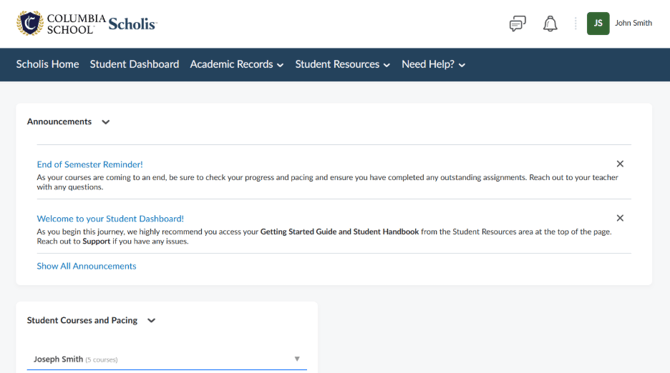
- Login to the Scholis Parent/Guardian Dashboard. See example below:
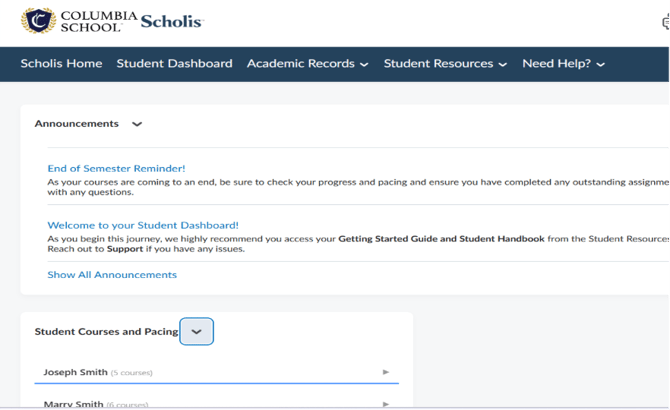
- If you have more than one student enrolled in our school, please select the student to access the teacher’s email hyperlink for that student. If you have one student enrolled in our school, click on that student’s name.
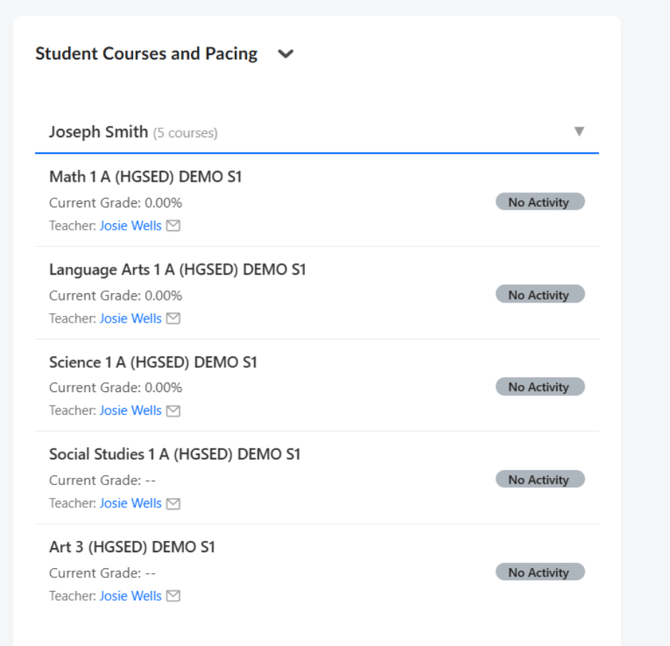
- You will now see a listing of each course your student is actively enrolled in. Click on the blue hyperlink of the instructor to arrive at a new popup screen.
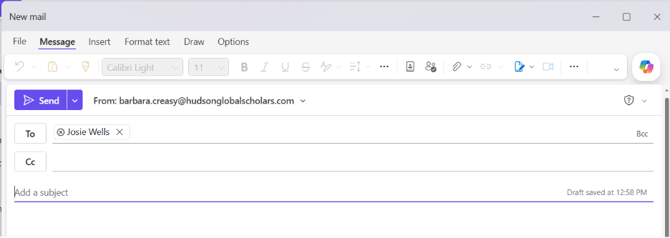
- A new popup screen will open your default personal email account with the email address of the selected instructor.
- Compose your message and send. Please include your student’s name in the Subject Line for teacher reference.
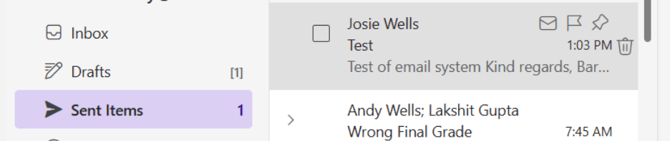
- You will be able to see your sent message from the Sent Messages tab in your personal email.