1. Log in to Scholis with your site coordinator account. 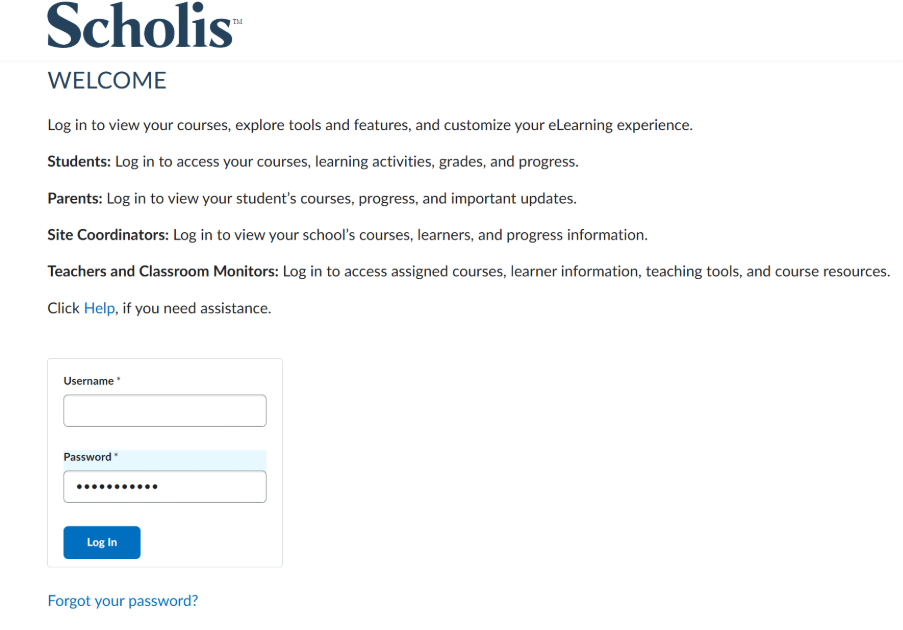
2. On the Scholis Home page, scroll down to the "Site Coordinator Dashboard" widget. 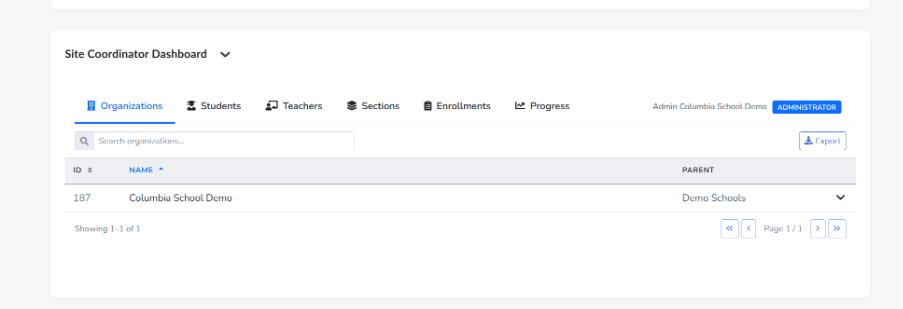
3. Click the "Teachers" tab within the dashboard. 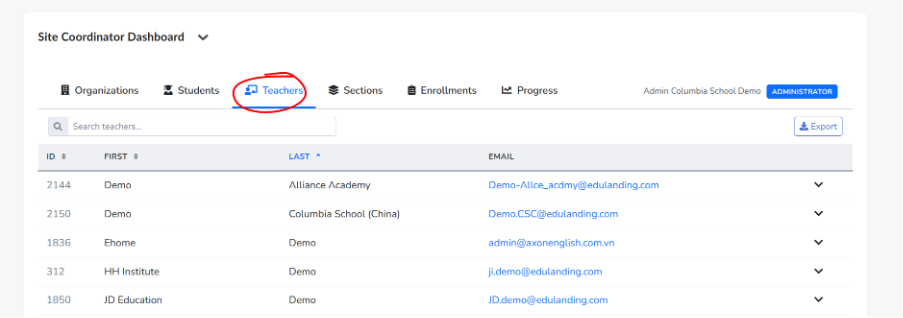
4. Browse the list, or use the "Search teachers..." box to locate the teacher you want to contact. 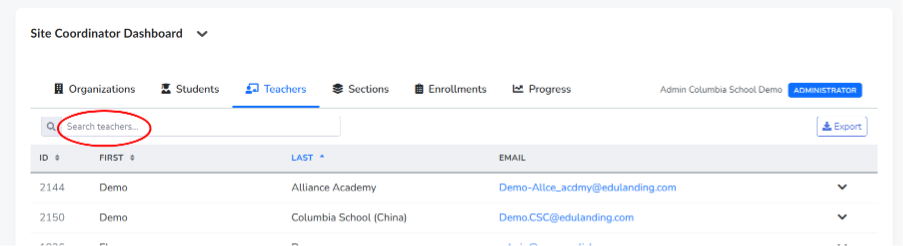
5. Click the teacher's email address, shown in the EMAIL column. 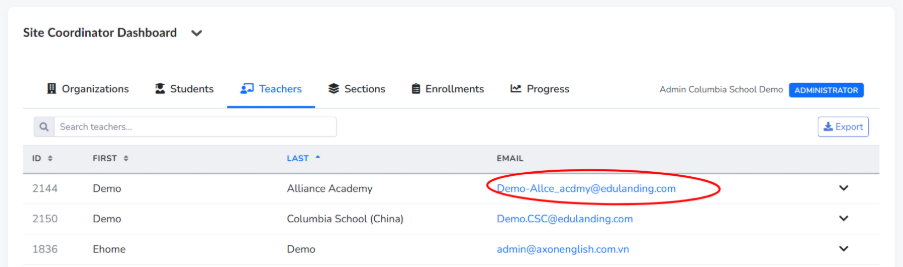
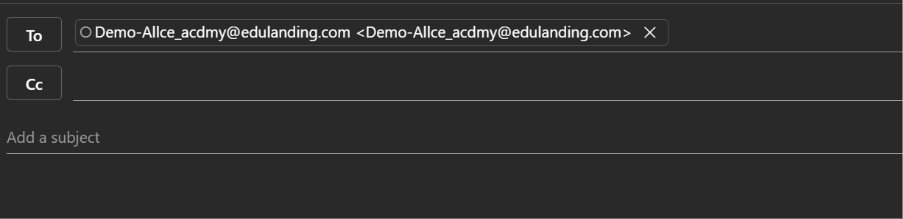
6. Your default email application will open a new message pre-addressed to that teacher. Compose your message and send it as you normally would.