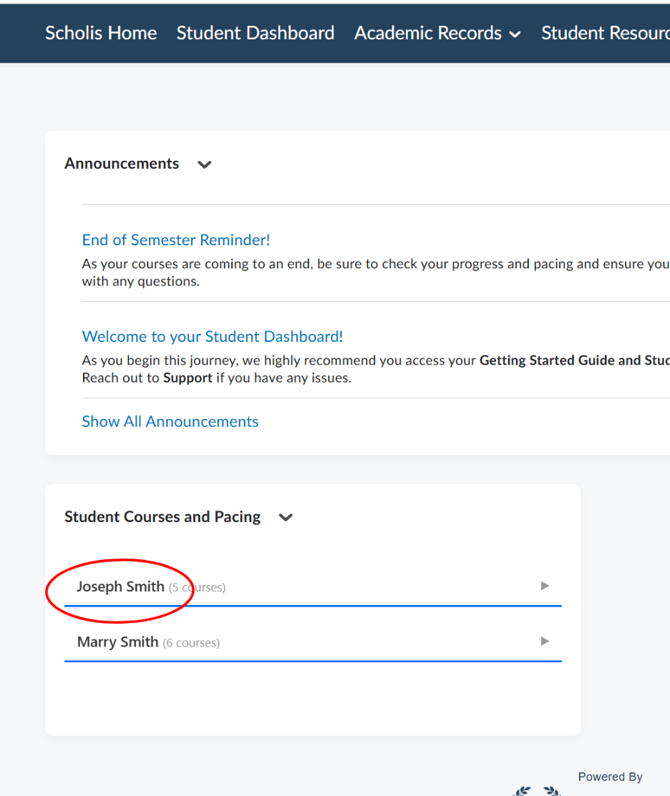
How to Check Your Child's Progress.mp4
1. Log in to the Scholis Parent Dashboard at lms.scholis.com. 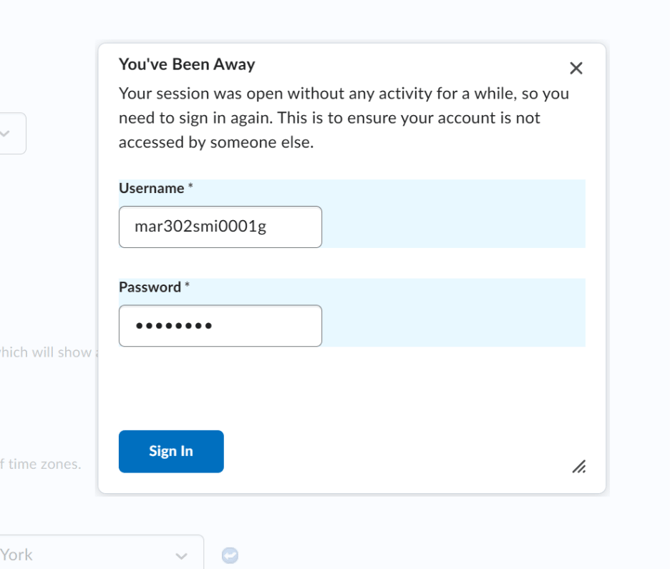
2. From the top navigation, click "Student Dashboard" to open the parent-facing dashboard. 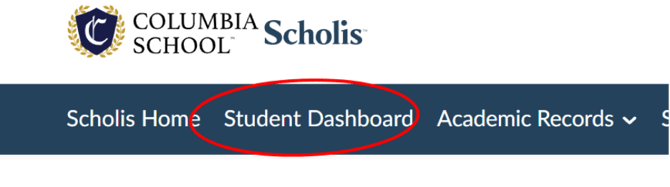
3. Click on your child's card to open their individual dashboard. 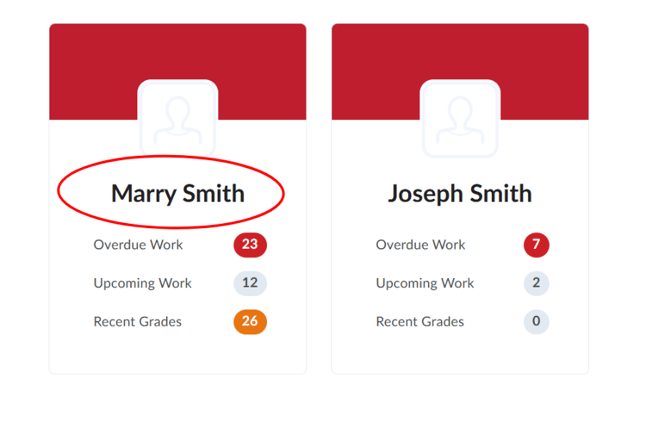
4. Review the "Recent Grades" panel to see recently graded assignments and scores. 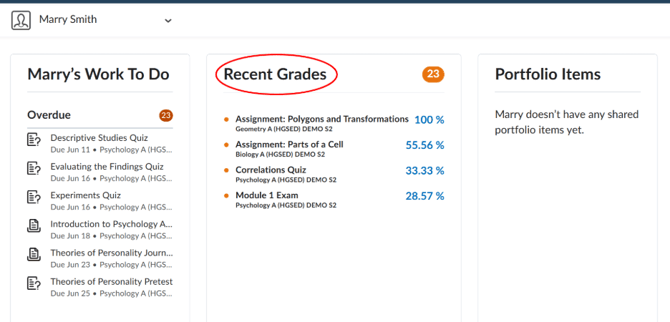
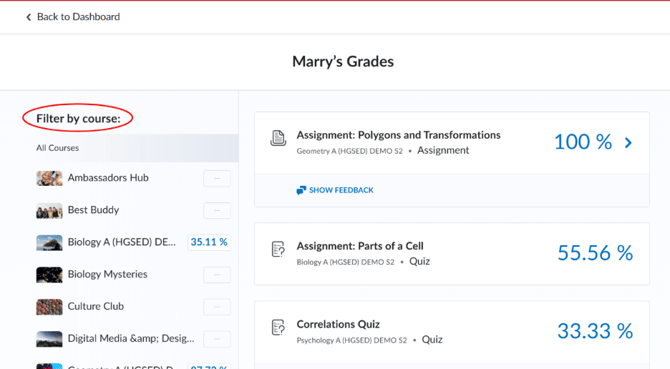
5. Click "View all grades" to see a full list of grades, and use the "Filter by course" sidebar to narrow results to a specific course. 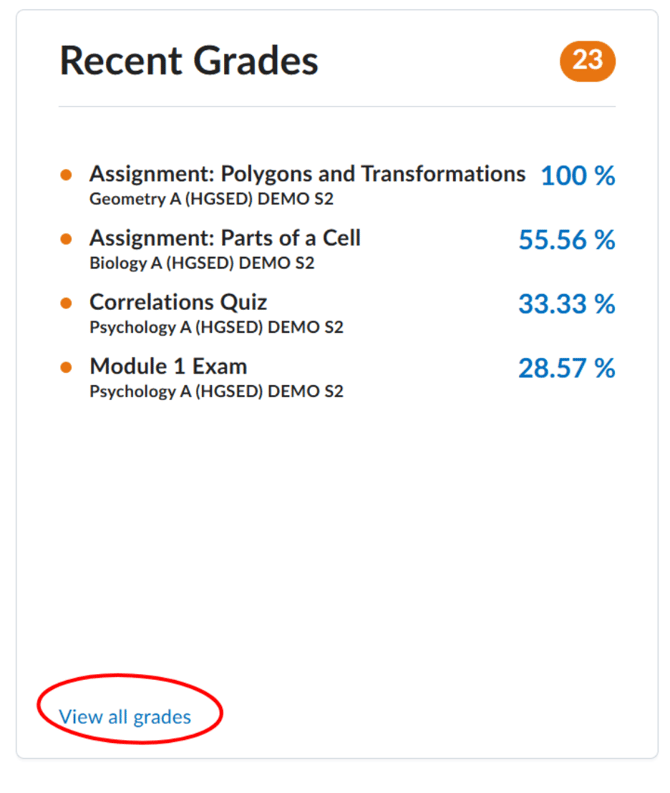
6. Alternatively, return to the Scholis Home page and expand your child's row in the "Student Courses and Pacing" widget to see the Current Grade percentage for each course.