Site Coordinator Enrollments Tab.mp4
The Enrollments tab is the bridge between students and sections — each row is one student's enrollment in one section, showing start/end dates, active status, current grade, and letter grade.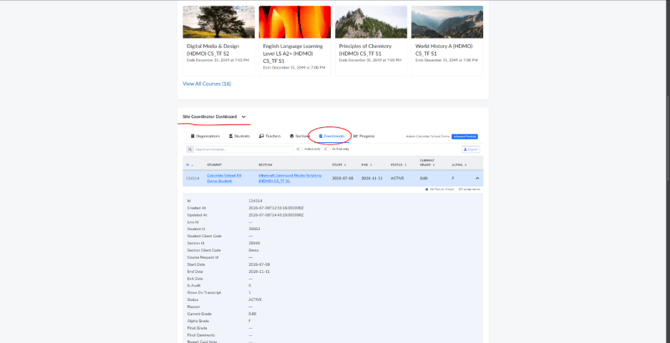
Two toggles sit next to the search box: “Active only” restricts the list to currently active enrollments, and “At Risk only” restricts it to enrollments flagged as at-risk (shown with a red “At Risk” tag and assignment completion ratio under each row). Turning on “At Risk only” is the fastest way to see which students across all sections need attention right now.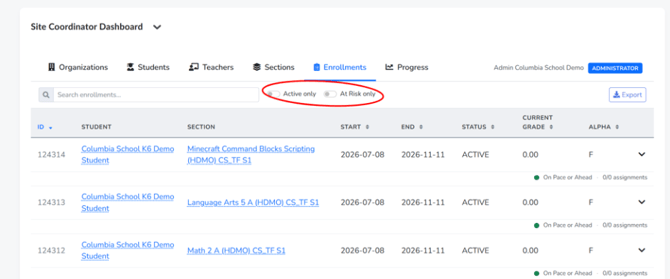
Navigating and Drilling In
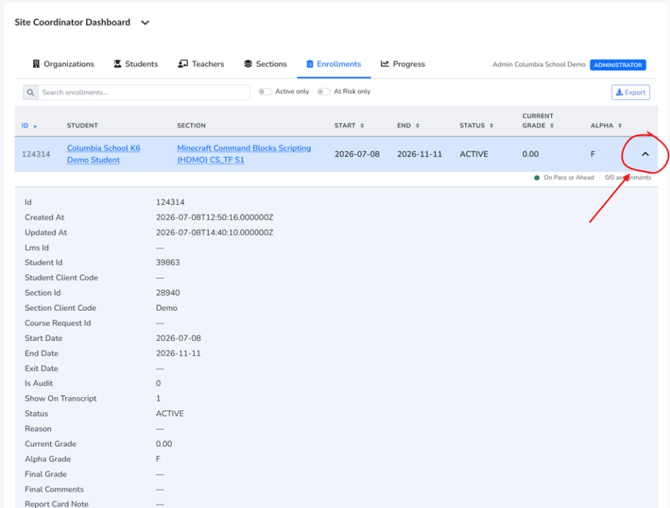
Both the student name and section name in each row are clickable links for quick navigation. Expanding a row's chevron reveals the full enrollment record, including drop reason/comments fields, report card notes, and grade points, which is useful when investigating a specific student's enrollment history in one course.